They say you don’t know what you’ve got until it’s gone and this is certainly the case when you’re locked out of something that is incremental to your day to day life: Facebook.
We’re not being dramatic here, a business will rely on the Social Media platform to share free Organic posts and Facebook Advertising campaigns to promote their products and services, so when an account is disabled it could cause serious implications to their marketing.
Facebook doesn’t always issue a warning prior to disabling an account, but you will be notified by Facebook that your account has been disabled when you next try to log in.
If you’re unable to log in but don’t see an account disabled message then it’s likely that you’re having login issues rather than a disabled account so you will need to contact Facebook support.
Where do I go?
There are two places your account can be disabled, the first is your Facebook account, which is your personal user and therefore limits access to your Business Page, and the second is your Facebook Ad Account.
According to Facebook’s rules, disabled users are unable to conduct Facebook advertising.

Personal Account Disabled
Facebook disable accounts that don’t follow their terms which include:
- using a fake name
- impersonating another person
- pursuing behaviour that is against their Community Standards.
Sometimes accounts are disabled by mistake so the first thing to do when you realise your Facebook account was disabled is to submit a request for a review.
Unfortunately, it’s not always that straightforward when trying to contact a member of the support team directly at Facebook.
If you are trying to regain access to your account then you will need to fill in a form and submit proof of ID.
What happens to my ad accounts?
If your personal profile gets disabled then you will be unable to run any Facebook ads. However, if you have another user connected to your Facebook ad account and business page without a disabled Facebook then they will be able to continue managing any ads, comments and post content.
As per the below, with a disabled Facebook account, you will be unable to manage your ad account, run ads or utilise data sources.

Check For Issues
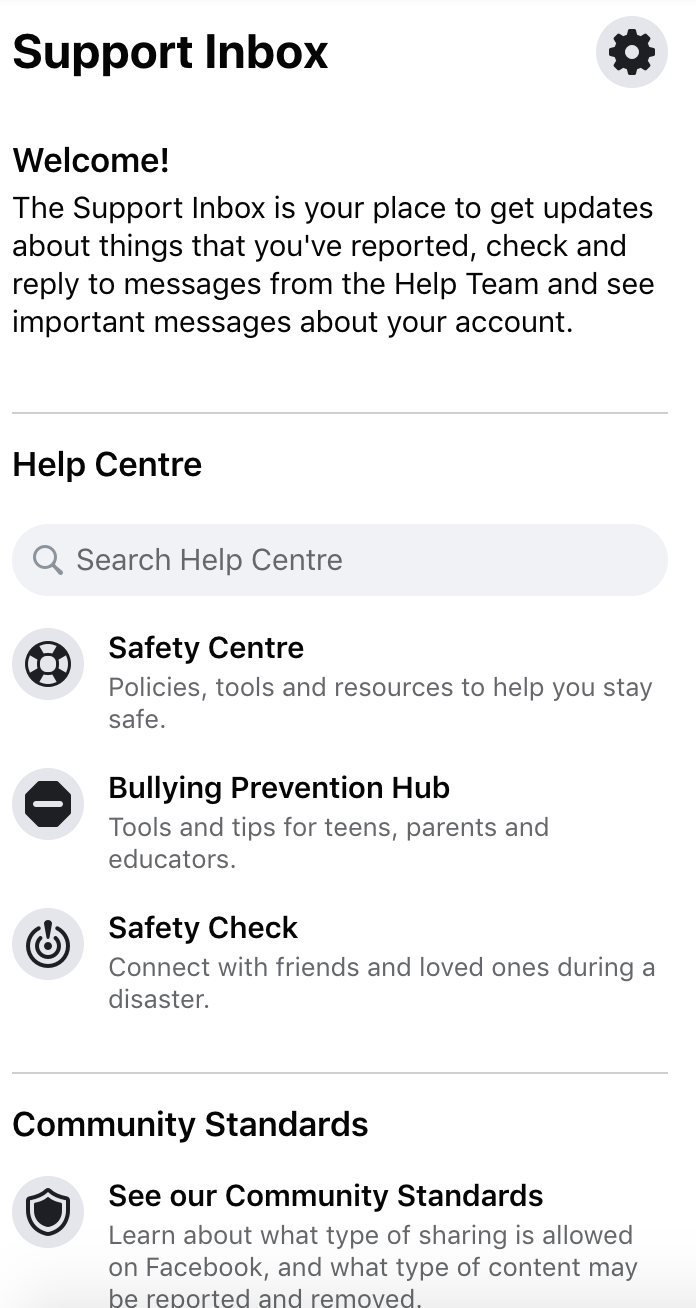
To reduce the risk of your account becoming disabled, whilst logged in to your Facebook profile visit Settings & Privacy – Settings then Support Inbox.
Here you will see Reports, including reports about others related to your account and your violations. If you have any violations they will be listed here and if not, you’ll see a little thank you message from Facebook.
Facebook Ads Account Disabled
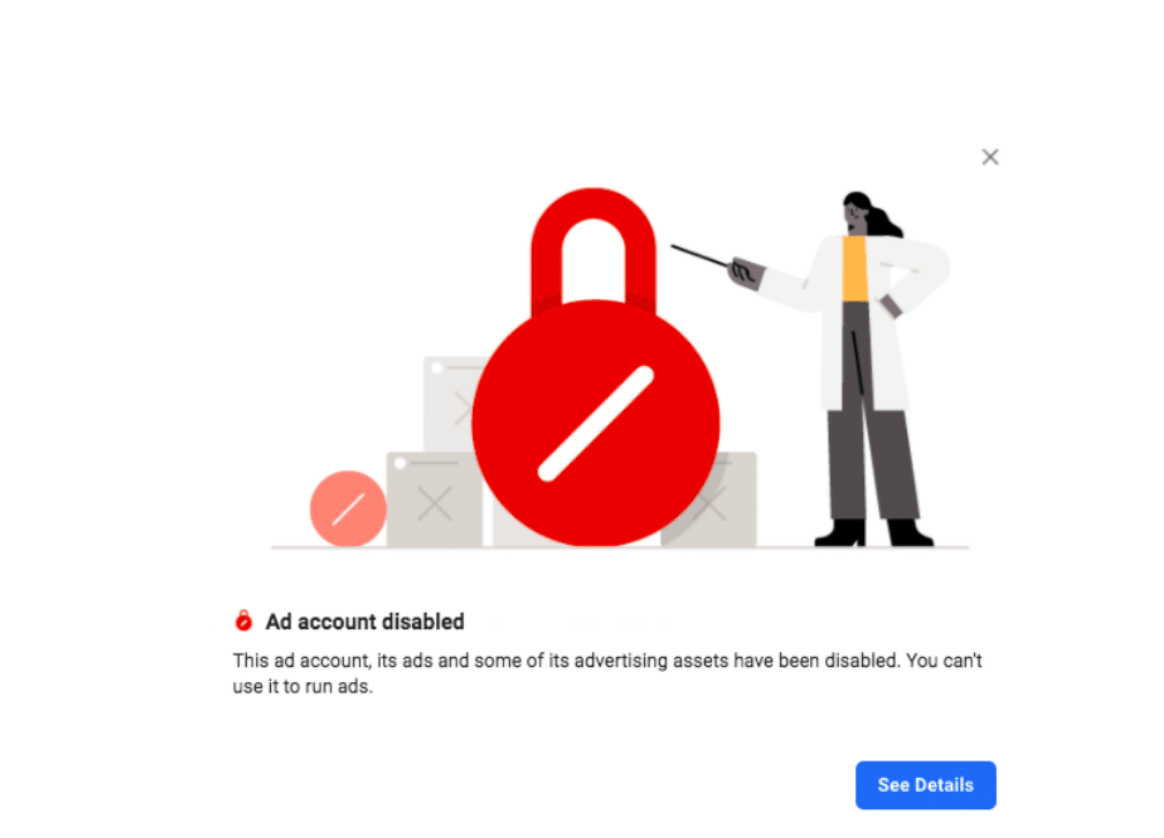
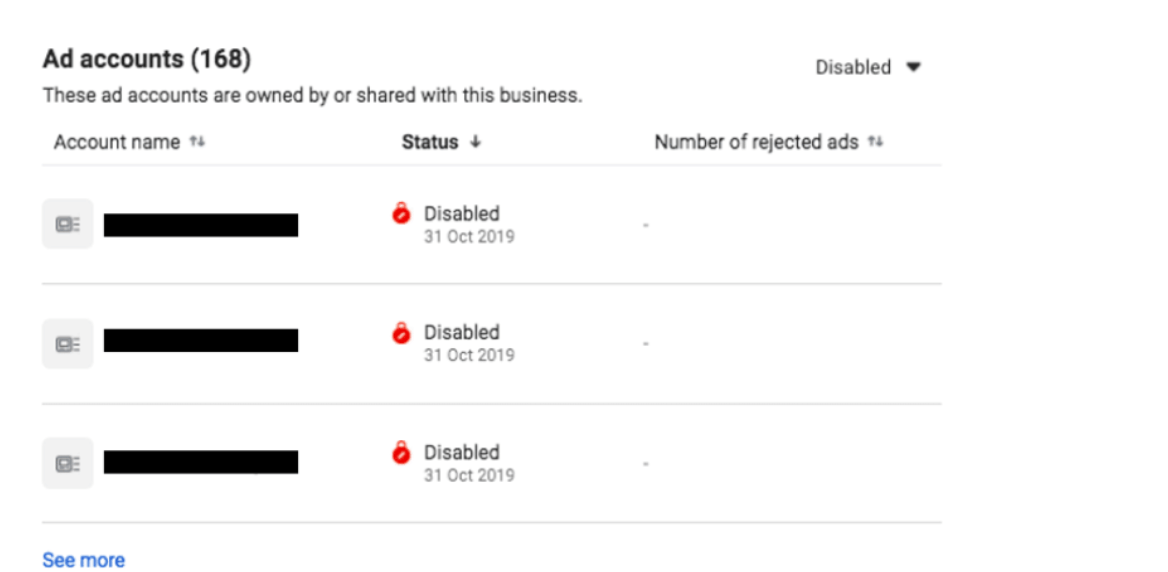
It may be that, within Business Manager, the Facebook Ad Account was disabled which is different to a personal account or Facebook Page.
Facebook frequently review Ad Accounts for violations of their Advertising Policies. Facebook deem repeated violations as a risk to the platform which may lead to the ad account becoming deactivated.
If a company has multiple Facebook Ad Accounts, it may be that one has been disabled and not another. If this is the case, businesses will be able to continue marketing their Facebook ads in the active ad account.
However, if the ad account was disabled due to not complying with Facebook’s terms then it’s only a matter of time before that Facebook ad account is disabled also.
Can I Get My Disabled Facebook Account Back?
Of course, in some cases, it’s possible to regain access to an ad account even once it’s been disabled.
Appeal The Deactivation
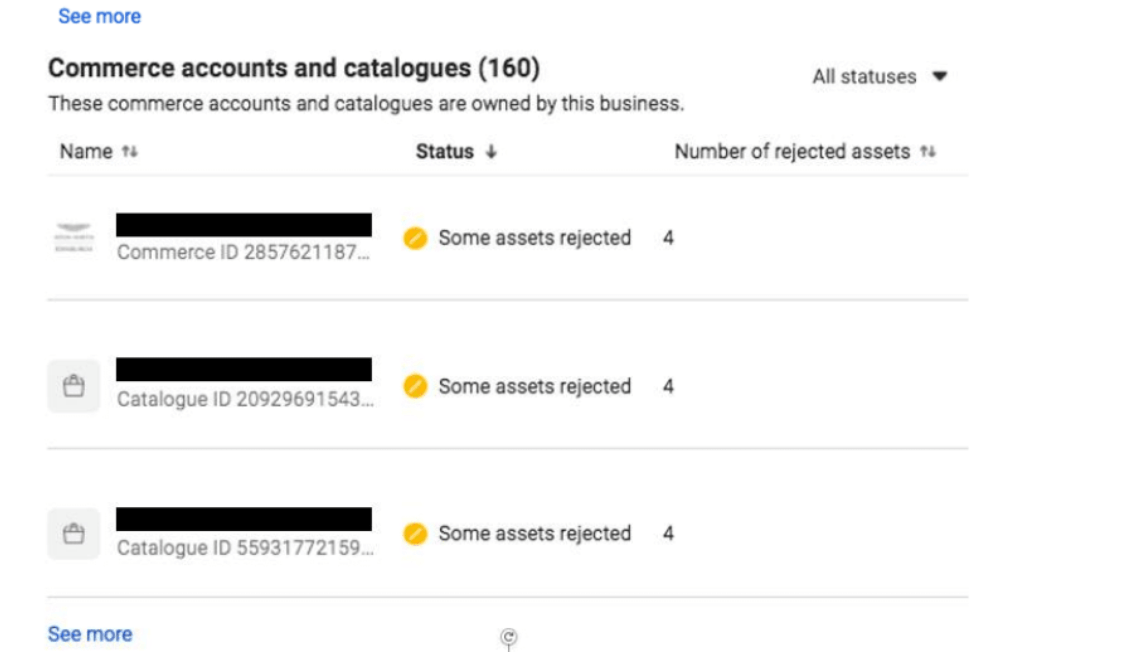
After reviewing the guidelines, if you think your Facebook ad account was disabled by mistake then you can visit the ‘Account Quality‘ tab in Business Manager to request an appeal. Here you can also see the status of your Facebook Page, Catalogues and Commerce accounts.
An appeal will take approximately 12 hours to receive a response or this could be as long as a few working days if there is a backlog. However, if the Facebook ad account was rightly disabled then an appeal won’t make a difference and you will be unable to recover any ads or historic data.
Settle Your Account
It may be that your Facebook ad account has been disabled due to payment failure. If this is the case, your live Ads will be paused until you pay the invoice. Once the balance has been settled, the ad account and any previously live Ads will be active online again and businesses can get back to their marketing.
How To Reduce The Risk Of Your Facebook Ad Account Being Disabled
Unfortunately, Facebook won’t always say why an account has been disabled. However, Facebook does suggest the following ways to comply with their policies and reduce the risk of your Ad Accounts being disabled.
• Avoid the use of misleading claims including misleading content, offers or methods.
• Include a functional landing page. This doesn’t include a site under construction or error pages.
• Avoid adult content such as nudity and suggestive positions.
Understand Facebook’s Advertising Policies
The restricted content list for Facebook Advertising is rather comprehensive (see here) so it’s recommended to understand the rules before you create an Ad on behalf of your business.
Furthermore, Facebook’s Advertising Policies are subject to change at any time so it’s essential that a business keeps as up to date as possible to avoid their account being disabled.
Understand Facebook’s Community Standards
Separate from their advertising policies, Facebook has a set of community standards (see here) which details what is (and is not) allowed on the platform, including organic posts to your page.
Check For Issues
As above, under the ‘Account Quality‘ tab, you can keep an eye on any warnings or violations as well as a number of other areas that may impact your marketing such as data source issues or rejected catalogue assets.
It’s recommended that you review this section frequently so as to avoid any issues with your Facebook page, ads or ad account.

Rejected Facebook Ads
Facebook Ads are reviewed before going live so as to ensure they meet Facebook’s advertising policies which cover a number of areas, including the text, media, targeting and landing pages. If a violation is found during this review then the Facebook Ad is rejected.
However, this is an automated review process and therefore sometimes Ads are wrongfully rejected. Ads could also be rejected due to manual errors such as the landing page not matching what the Ad is promoting, for example.
Appeal The Rejection
If your Facebook Ad has been rejected then you can request to appeal the decision and submit it for another review with an explanation for why you think the rejection was a mistake.
Once you have submitted the appeal, the Ad will then be reviewed by a member of the team at Facebook and either rejected or authorised. If an Ad was live before it was rejected then it will automatically reactivate once someone at Facebook accepts the appeal.
If your Ad was correctly rejected for violating policies then users are able to create a new Ad or amend existing Ads to comply.
Within the Business Manager Settings, you can set your notifications live for your Facebook ad account including Ad Approvals, tips and more. The notification will show within Facebook and you can also activate free email updates.
What if I have lost access to my page? Well, that is a whole other story- read this blog!

How to Delete a Facebook Group
What is a Facebook Group? A Facebook Group is a feature within Facebook where users can come together to share content, thoughts and opinions. A...

How To Create A Facebook Group
What is a Facebook Group? A Facebook Group is a feature within Facebook where users can build a community of likeminded people and create a forum...