
As more and more people are using Instagram to discover brands and businesses, your Instagram profile is becoming just as important as your website’s homepage.
With this in mind, it is important that you spend some time crafting your feed to fit in with your brand’s identity and style.
Unfold

Ever wondered how the big brands and influencers make their stories look so cool? I’ll let you in on a secret, you don’t need to be a master of Photoshop to get the same effect, you just need Unfold.
Highlights
- Streamlined design that’s easy to follow and use
- Create great gorgeous on-brand stories with native templates
- Build your story by simply dropping in images or videos and adding text
- No log-in required
- Change background colours to suit your style
- Rearrange your story in a few quick clicks
Unfold Top Tip
Give your story a really polished look by creating a cool collage, with several photos and videos in the same clip.
Price: Free. In-App purchases. iOS
Canva
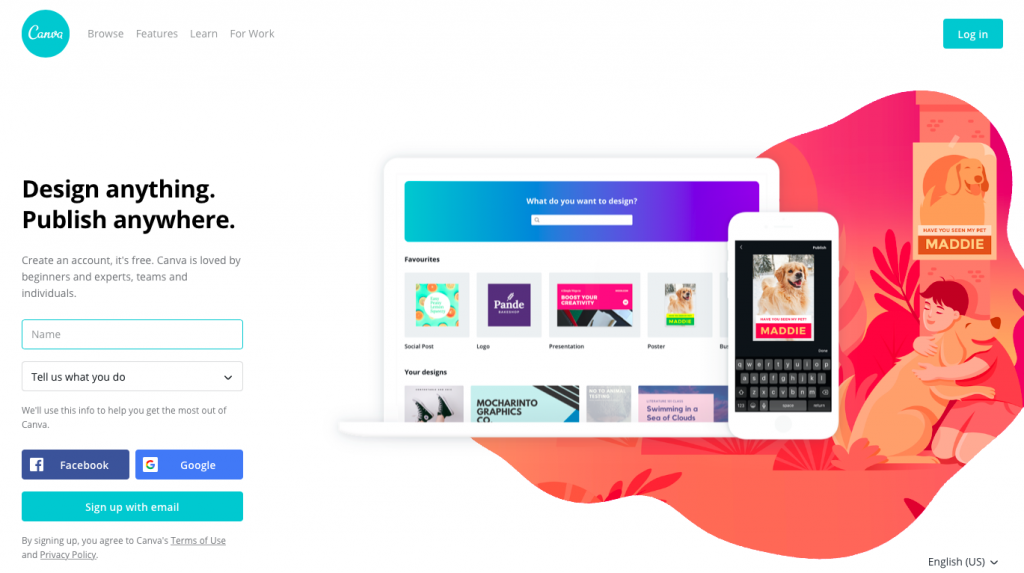
Canva is a one-stop-shop design app with a user-friendly drag and drop mechanism that allows you to create pretty much anything and publish it to Instagram stories in a jiffy. It also gives you access to over a million different photographs, graphics and fonts – a must-have for both the novice and expert Instagram user.
Highlights
- Create custom designs and templates that contain elements of your brand
- Make simple edits including brightness and contrast tweaks, vignettes, filters, cropping, rotating, and blurring
- Add different design elements, such as shapes, lines, and arrows
- Allows you to overlay text
Canva Top Tip
Created a pretty nifty template? You can save it to use again and again and again…. Brilliant for brand recognition.
Price: Free. In-App purchases. iOS & Android
InShot
If you want to add a slick look to your videos In-App InShot is the app you. Aside from all the bells and whistles, it allows you to add to your footage, the main reason you need this app in your life is that it easily resizes video for Instagram. Never be caught out again for not filming in the correct ratio, Inshot can fix it for you.
Highlights
- Convert video of any aspect ratio to Instagram Story size (9:16)
- Blur excess background margins, add solid colour or import a picture into the background
- Trim, split, merge, flip or rotate video clips or create a collage
- Add music, sound and video effects, photo and video filters and voiceovers
- Optional filters to allow you to get the right look for your brand
InShot Top Tip
Use the speed-up feature for quick tutorials or slow-mo if you really want to show-off a product.
Price: Free. In-App purchases. iOS & Android
Hype type

If you want everyone to look at your stories and think, ‘How did they do that?’, then Hype Type is the app for you. It does what it says on the tin, hypes your stories with animated text and fonts.
Highlights
- Add flashy text overlays to your content in a couple of seconds
- Customise the size, position, and colour of your text
- Set the speed of your video and text to a track
- Crop your clips to different dimensions
Hype Type Top Tip
Use Hype Type to tease a new announcement or a post on your grid – a great way for getting more eyes on your brand’s Insta homepage.
Price: Free. In-App purchases. iOS
Jumprope
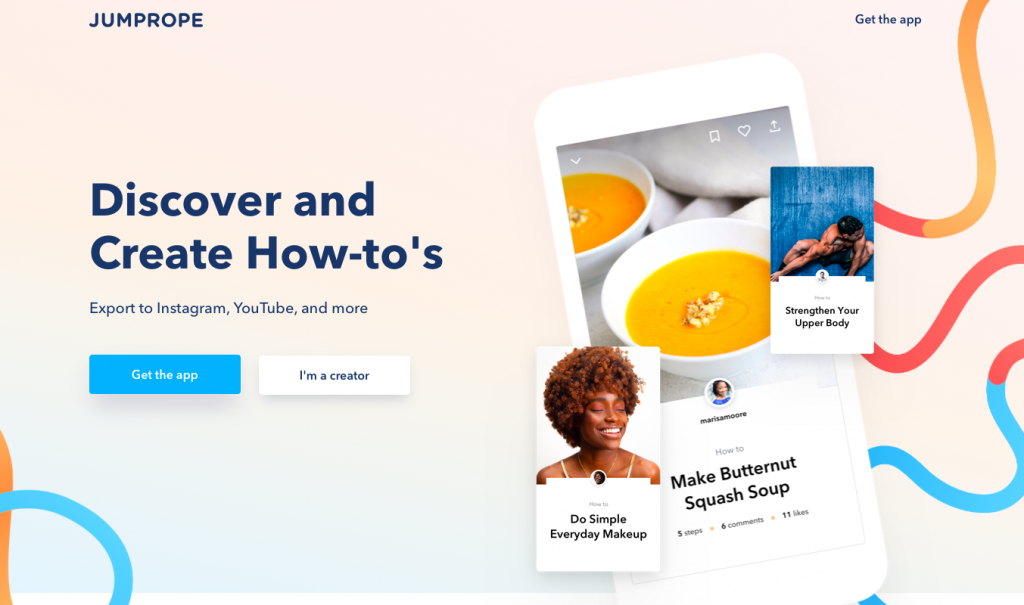
If you like to share how-to tutorials, then Jumprope will help give your videos a professional edge in a few simple steps. You can create a slick video for Instagram stories without needing strong editing skills. This is a great app if you want to offer your audience something different.
Highlights
- Makes creating each step of your tutorial simple
- Add links to products and items you are featuring
- Edit speed, music, text and filters so that they align with your brand
- Export to Instagram, YouTube, Pinterest and Facebook
Jumprope Top Tip
New to making How To videos? Check out the huge library of videos from other users of Jumprope for inspiration.
Price: Free. In-App purchases. iOS