AI can be a game-changer for small businesses. It can cut down hours of repetitive work, speed up content creation, and even spark new creative ideas. From writing captions to designing visuals, AI takes some of the heavy lifting off your shoulders.
But let’s be clear, AI isn’t a full replacement for people. The personality and judgment of us humans behind a business are what make it relatable and trustworthy. The best results are when you combine AI efficiency with human creativity and decision-making.
This blog looks at how businesses can use the AI tools already built into the platforms they use every day, from Google’s AI search results to social platforms, scheduling tools, image generation, and others you never even thought of.
AI on Meta Platforms
It’s already there, and if you haven’t taken advantage yet, now is the time!
One of the most interesting developments is AI voice translation for Reels. This feature automatically translates videos into other languages while syncing the lip movements and tone of the original speaker. For small businesses, that means breaking language barriers without needing translators or voice actors. I don’t know about you, but I don’t have money for voice actors!
On the advertising side, Meta’s Advantage+ campaigns are designed to make running ads simpler and more effective. Instead of businesses having to spend hours tweaking targeting, placements, and creative, the AI does the heavy lifting. Meta has also signalled that by the end of 2026, businesses will be able to generate entire ad campaigns by simply uploading an image and a budget, with AI handling the rest.
AI is also improving the creative side of advertising. New tools can animate static images or expand videos to create smoother, more polished ads without the need for advanced editing skills. So a single product photo can be turned into an eye-catching animated ad in minutes.
Then there’s Meta AI, the in-app assistant available across Facebook, Instagram, WhatsApp, and Messenger. For business owners, this means instant access to content ideas, caption suggestions, and even AI-generated images through the “Imagine” tool, without ever leaving the app.
Finally, Meta is experimenting with smarter AI models that generate ad copy designed to capture attention more effectively. In tests, these AI-written variations have already outperformed older systems, showing how quickly AI is becoming central to marketing performance.
The bottom line is that Meta’s AI tools can give small businesses more reach, stronger ads, and quicker content creation. But they’re not a replacement for human judgment.
Google AI: Smarter Search and Everyday Tools
Google has been adding AI in its products for years, but the recent updates are changing how businesses get found and how teams work.
The most visible change is in Google Search. AI Overviews now appear at the top of results, giving users an instant answer rather than a long list of links. I like this feature, but for businesses, this means your content strategy has to shift. It’s no longer enough to simply rank on page one; you need to create content that AI can pull into those summaries. That means clear, authoritative, and well-structured information that signals that you are an expert in your topic. For small businesses, this could be the difference between being surfaced in the answer box or being pushed further down the page.
Beyond search, Google Workspace has become AI-powered through Gemini. If you’re running a business on Gmail, Docs, or Sheets, these tools are now built in. Gemini can draft emails, summarise long threads, create presentations from a few bullet points, or analyse data in Sheets. In practice, that means saving hours on admin and freeing up time to focus on bigger priorities.
Together, these features show where Google is heading: less time wasted on repetitive tasks and a sharper focus on useful, accessible information. For small businesses, the opportunity is twofold: understand how AI search might change the way customers discover you, and take advantage of the AI features already sitting in your inbox and documents.
ChatGPT: Your Always-On Business Assistant
While AI is being built directly into platforms like Google and Meta, sometimes the most powerful tool is the one you can shape yourself. For many small businesses, that tool is ChatGPT.
Think of it as an extra team member. ChatGPT can help draft emails, brainstorm marketing ideas, refine website copy, or even outline business proposals. The real power, though, comes down to how you use it.
Good prompts equal good results. If you simply type “write me a post,” you’ll likely get something bland. But if you’re specific: “write a 100-word Instagram caption in a friendly tone that highlights a new dog groomer’s opening in Dublin, using dog-related emojis”—you’ll get something you can actually work with.
ChatGPT is also flexible. It can generate blog structures, turn meeting notes into polished reports, or create FAQs for your website. For visual content, it links into AI image tools that can create branded graphics and mock-ups in minutes. These, however, are not always perfect, and you really need to examine them before you post them. Otherwise, you could end up with some gibberish- trust me, I have been there!
The trick is to treat ChatGPT as a collaborator, not a replacement. Use it to speed up the boring parts and spark ideas, but always add your own voice. That’s what makes your business stand out, and what AI can’t copy. (yet)
Writing Better Prompts: Practical Examples for Business
The quality of what you get from ChatGPT depends entirely on the quality of what you put in. Vague prompts give vague answers. Specific prompts, with context and instructions, give you content that feels tailored and useful. Here are some practical examples small businesses can try:
Product Descriptions
Instead of: “Write a product description for a scented candle.”
Try:
Act as a skilled e-commerce copywriter. Write a detailed, persuasive product description that balances storytelling and sales. Before starting, ask me about the target customer, the key product features, and the tone of voice (e.g., luxury, fun, eco-conscious). The description should be around 120–150 words, highlight benefits over features, and end with a clear call-to-action. Include two headline options that could work on the product page
Customer Emails
Instead of: “Write a customer email about our new service.”
Try:
Act as an experienced email marketing strategist. Draft a customer announcement email introducing a new service. Before writing, ask me for details such as the target audience, the main selling points, and the desired tone (professional, casual, friendly). The email should be under 200 words, use short paragraphs, and include a compelling subject line and call-to-action button text. Provide two variations of the subject line for A/B testing.
Abandoned Cart Emails
Instead of: “Write an email for someone who left items in their cart.”
Try:
Act as a conversion-focused email copywriter. Create an abandoned cart email sequence for an online store. Before writing, ask me what product was left in the cart, the brand’s tone of voice, and whether we’re offering a discount or incentive. Write the first email to send within 24 hours (short, friendly reminder), and a follow-up email 48 hours later (include urgency and a clear offer if applicable). Keep each email under 120 words with a strong call-to-action.
Responding to Negative Reviews
Instead of: “Reply to a bad review.”
Try:
Act as a well-trained customer support representative. Craft a considerate and solution-oriented response for a business to a customer who has left a negative review. Before writing, ask me what type of business this is, what the complaint was, and what remedies we can realistically offer. The response should show empathy, acknowledge the customer’s frustration, provide context if appropriate, and invite them to give the business another chance. Keep it polite, professional, and under 150 words.
Offer sales strategies
Instead of: “How can I make more sales?”
Try:
Act as a Data Analyst specialising in Sales Strategy. I’m a small business owner, and I want to uncover actionable insights from my sales data. Your role is to help me identify my best-selling products, peak sales periods, customer purchasing patterns, and opportunities for growth. Offer practical strategies to optimise pricing, promotions, and stock management based on these insights.
Before you start, concisely ask me for the type of business I run, the products or services I sell, and a sample of my sales data (in table or list form). Once I provide the data, analyse it directly — you may generate code if needed, but you must run the analysis yourself and explain it clearly in plain English. Present your findings in a structured format: key insights, recommended strategies, and potential risks to watch for.
Prompt Bank: Ready-to-Use AI Image Ideas
AI image tools are powerful, but the results depend on the instructions you give them. A vague request like “make me a product photo” will usually look generic. The more detail you provide about the subject, style, colours, and purpose, the closer the result will match your brand.
To help you get started, here’s a set of ready-to-use prompts that you can adapt for your own business. Swap in your product, colours, or seasonal theme, and you’ll have professional visuals in minutes.
Business Portrait
“Create a professional headshot of a business owner in a clean, modern style. The individual is smiling warmly, wearing smart-casual clothing that reflects approachability. The background is softly blurred in muted tones, with a hint of [brand colour] as an accent. Lighting should be natural daylight, highlighting confidence and trust.”
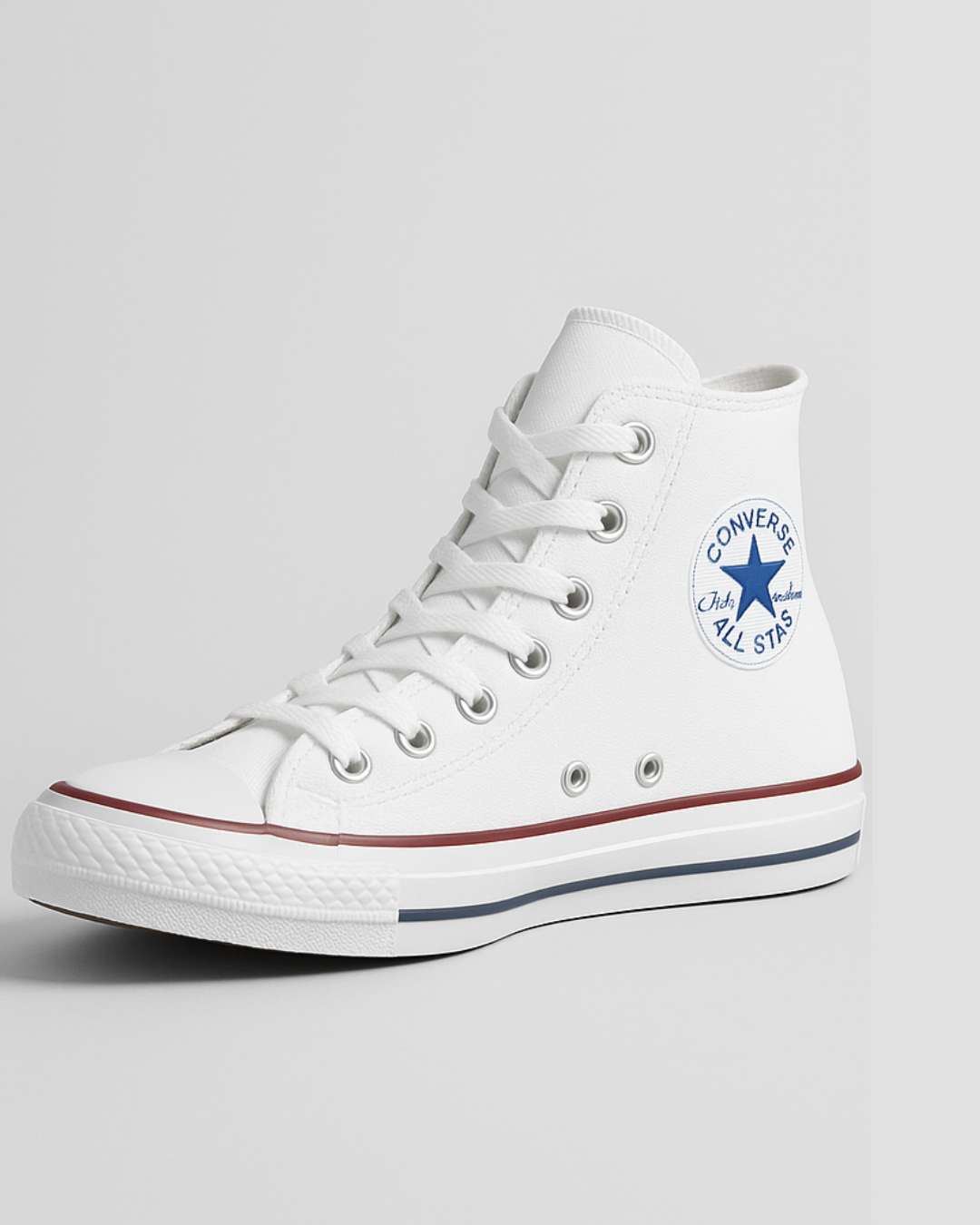
Product Hero Shot
“Generate a crisp, high-resolution image of [your product] placed on a neutral background with subtle shadows. Emphasise the product’s details and textures using soft, even lighting. The composition should be minimalistic, making the product the clear focal point, with space on one side for marketing text if needed.
Branded Abstract Design
“Design a bold, high-resolution abstract background using flowing geometric shapes. Incorporate [brand primary colour] with one or two complementary accent shades. The style should be sleek and modern, with smooth gradients and a polished finish. Ideal for use as a backdrop in social media graphics or presentations.”

Lifestyle Scene
“A natural lifestyle photograph showing a customer enjoying [your product] in a real-world setting. The background is a bright, airy home interior with subtle touches of [brand colours] in the décor. The style is candid and authentic, with warm, soft lighting that conveys comfort and trust.”

Seasonal Campaign Visual
“An eye-catching seasonal image featuring [your product or service] styled with elements of [specific season, e.g., autumn leaves, summer sunshine, winter snow]. Use a modern, minimal composition with bold contrast and space for overlay text. Incorporate [brand primary colour] subtly in the props or background to keep the design on-brand.”

Soft Gradient Background for Branding
“Create a smooth, soft gradient background blending [brand colour 1] into [brand colour 2]. The gradient should be subtle and elegant, with no harsh transitions. The design should feel modern and clean, making it suitable for use in website headers, social media graphics, or presentation slides.”
Abstract Geometric Pattern
“Design a seamless abstract pattern using bold geometric shapes in [brand primary colour] and [brand secondary colour]. The style should be sharp and modern, with repeating elements that can be tiled across digital and print materials. Aim for a high-resolution finish that can double as a background or branding accent.”

AI Scheduling & Management Tools
One of the hardest parts of social media is consistency. It’s not enough to post now and then; you need a steady presence that keeps your audience engaged. This is where AI-powered scheduling tools can help.
Platforms like Buffer, Later, FeedHive, Flick, Publer, and Metricool now come with built-in AI that goes beyond just queuing posts. They can suggest the best times to publish based on when your audience is most active, rewrite captions in different tones, generate hashtags, and even adapt one post into different formats for Instagram, Facebook, LinkedIn, or TikTok.
Metricool, in particular, is useful for small businesses because it combines scheduling, competitor analysis, ad tracking, and reporting in one dashboard. Its AI support means you can not only plan and publish content but also see clearly what’s working, what isn’t, and how you compare in your industry, all without juggling multiple tools.
For small businesses, scheduling tools can make a big difference. Instead of spending hours planning every detail, you can rely on AI to take care of the structure, so you can focus on ideas and relationships. An ice cream shop owner, for example, could upload a photo of today’s special, and the tool would suggest a caption, hashtags, and an ideal posting time in seconds.
That said, AI isn’t perfect. It can keep your schedule running, but it won’t know the ins and outs of your business or the personality of your team. That’s where you come in. The best approach is to let AI handle the repetitive work, while you add the final human touches that make your content genuine and trustworthy.

The Hidden Cost of Using AI Images for Your Business
Scroll through LinkedIn or Instagram today, and you'll probably notice something. More and more business graphics are starting to look the same. The glossy lighting. The perfect people. The spotless offices. The polished illustrations. Even the sales posts often have...

Snap Map vibes on Instagram: What the new Instagram Map Feature means for Irish users
Instagram’s newly unveiled Map feature, launched in the United States on 6 August 2025, is now stirring up serious chatter—and not just about fun check-ins. The concept? Share your last active location with a select group of friends—and explore geotagged content...